Using a Rangefinder in Golf: Slope, Rules and When It Helps
A rangefinder in golf sends a laser to the flag and shows the distance. In competition, turn slope off and check the Local Rules, since devices may be restricted.
Wes Tanner
October 15, 2026 · 8 min read
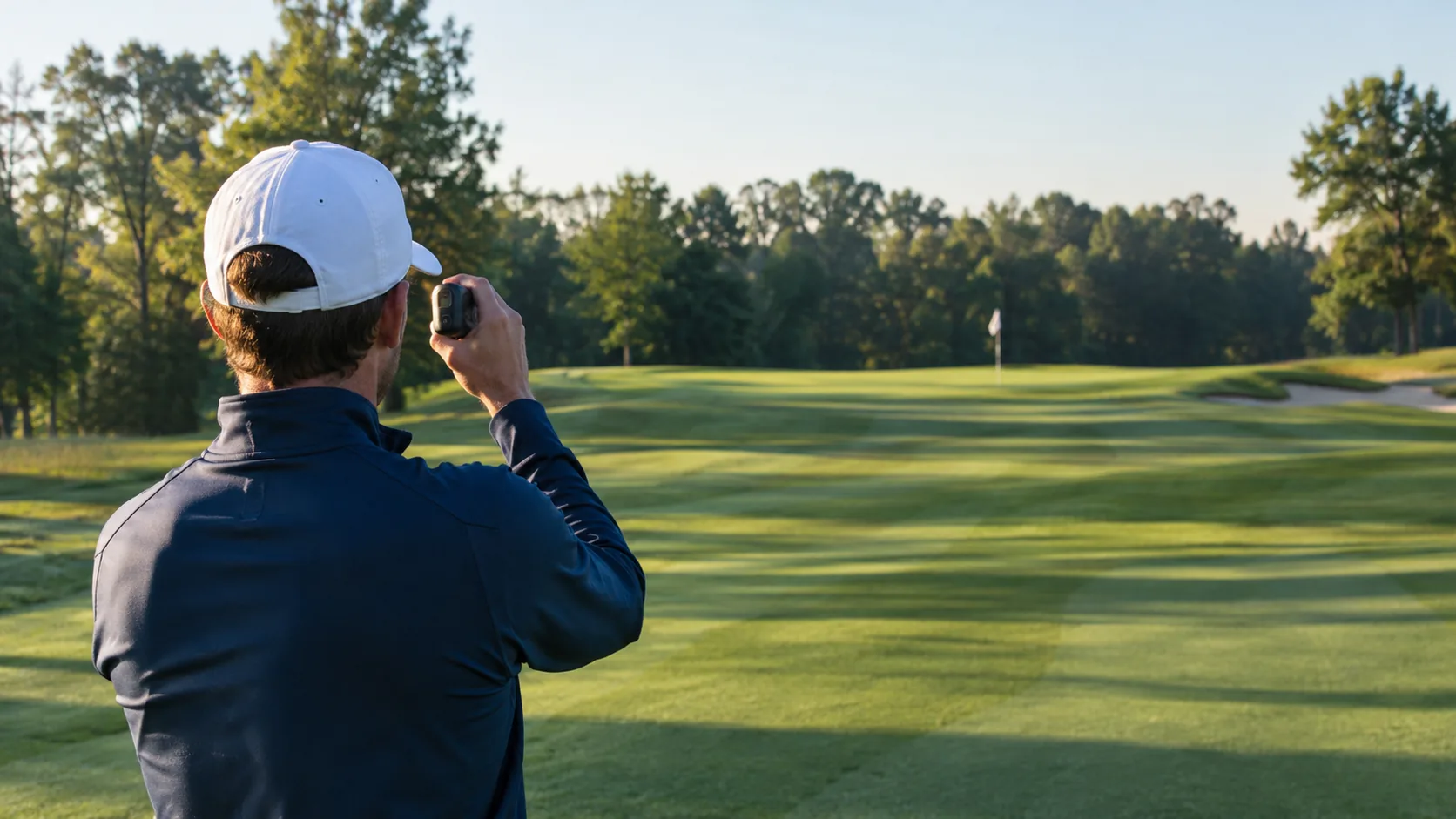
A rangefinder in golf is a handheld laser device that measures the distance from you to a target, usually the flag, so you can choose a club. In casual rounds it is allowed almost everywhere. In competition, the slope function must be switched off, and a committee can prohibit distance devices altogether, so check the Local Rules on the scorecard or the event notice before you play.
This guide covers how the device works, what slope mode adds, how it compares with GPS devices and golf rangefinder apps, how to turn a number into a club choice, and a checklist for the golf course.
How a rangefinder works on the course
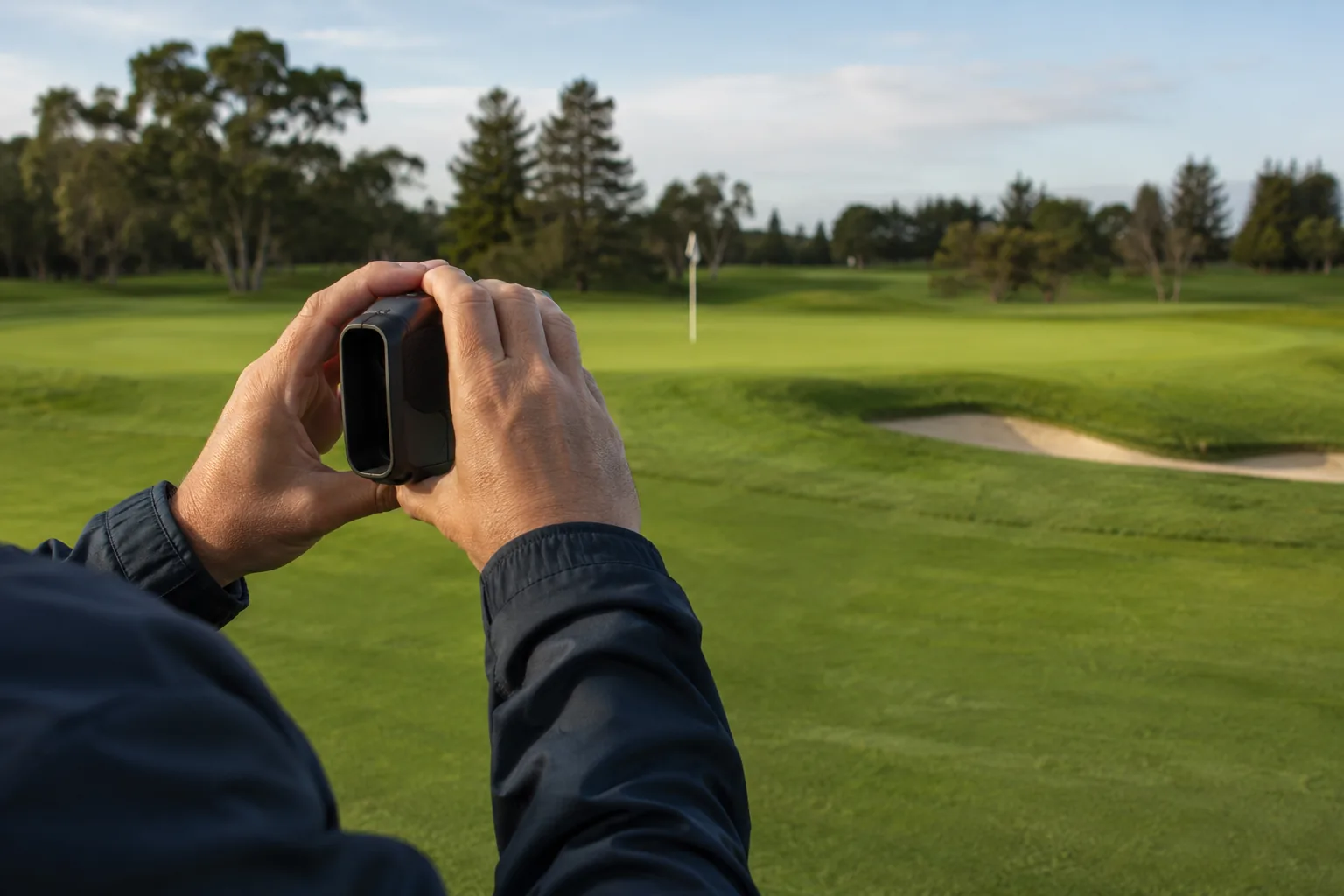
You look through the lens, place the reticle on the target, and press the button. The unit sends a laser pulse, times the bounce back, and converts that time into a distance.
Because it measures whatever the laser hits, your aim matters. Trees, bunker faces and banks behind the green can return a signal just like the flag. That is why target lock features exist: they help the device lock onto the pin instead of the background.
Laser rangefinders give yardages to a point. They do not track your swing or ball flight. That is the job of a launch monitor, which is a separate device.

Rangefinder vs. golf rangefinder apps and GPS
Golf rangefinder apps and GPS watches work from a mapped course. They show front, middle and back of the green, and often hazards, without you aiming at anything. Some also offer club recommendations based on numbers you enter. A laser shows the distance to the object you point at, such as the flag, a bunker lip or the tree you need to clear.
You may also hear "point and shoot" used for a rangefinder. It is an informal term for an aim-and-press laser unit, and it describes how you use it rather than a separate kind of device.
| Factor | Laser rangefinder | GPS app or watch |
|---|---|---|
| What it measures | Distance to the spot you aim at | Distance to mapped points on the course |
| Pin position | Reads the flag directly | Depends on the map or a manual pin setting |
| Course map needed | No | Yes, the course must be mapped |
| Layup and hazard numbers | You aim at each target | Shown on screen |
| Power and signal | Battery only | Battery plus a satellite or data signal |
| Handling | Raise, aim, press | Glance at the wrist or phone |
Some golfers carry one of each: a golf app for the layout and a rangefinder for the flag. On unfamiliar courses the map gives context. On a home course where you want the number to the pin, the laser reads the flag itself.
How to choose between a rangefinder and an app
- Where do you play? If your courses are mapped, a phone or watch covers layout and hazards. On poorly mapped courses, a laser does not depend on a map.
- What do you need to measure? For the flag distance on every approach, a laser reads it directly. If front, middle and back numbers are enough, an app does that.
- Do you enter competitions? Look for a device with a standard mode so you can play within the Local Rules.
- How do you like to carry things? A wrist or phone display needs no aiming. A handheld unit needs a free hand and a steady stance.
- What powers it? Both need a charged battery. A phone app also needs a signal or a downloaded course.
What slope mode does and when it is allowed
Slope mode reads the angle between you and the target and applies slope compensation to the displayed yardage for uphill or downhill. A shot to an elevated green plays longer than the straight-line number, and a shot to a lower green plays shorter. The adjusted number is a playing distance, not the real distance.
Under the Rules of Golf, distance-measuring devices are allowed by default, and a committee can prohibit them with a Local Rule. Measuring anything beyond distance, such as elevation change or slope-adjusted yardage, is not allowed during a round in competition. A slope-capable device can still be used if the slope function is turned off. In practice that leads to a simple split:
- Casual rounds: slope is usually fine. Confirm with your playing partners.
- Club and local competitions: turn slope off, and read the Local Rules to see whether distance devices are permitted at all.
- Higher-level events: policies vary by tour and event. Many restrict or prohibit distance-measuring devices in tournament play, and slope readings are not allowed.
If you play both casual and competitive golf, a unit with separate standard and slope-adjusted modes lets you use one device for both. Always confirm the current Rules of Golf and your event notice, since Local Rules vary.
Quick mode guide by type of round
| Situation | Mode to use | First thing to check |
|---|---|---|
| Friendly round with partners | Slope-adjusted or standard | Agree on it on the first tee |
| Club medal or league night | Standard, slope off | Local Rules: are distance devices permitted? |
| Qualifier or higher-level event | Standard, slope off, if devices are permitted | Event notice and committee |
| Practice round or range session | Any, including continuous scan | Course practice policy |
When a rangefinder in golf helps and how to read the number
Where it helps most
- Approach shots to a flag: the pin is often the number that matters, not the center of the green.
- Blind or partly blind targets: range a visible marker or the top of the flag when the green is hidden.
- Elevation changes: in casual play, the adjusted yardage shows how a hill changes the shot.
- Layups: range a bunker edge or hazard to choose a carry that clears it.
- Practice rounds: note distances to landing areas you will want later.
It helps less when you are rushed, when the flag is too far to hold steady, or when the target is hard to see against the background. Modern rangefinders still depend on a clear line of sight.
From yardage to club
A rangefinder gives you one input. The club decision still belongs to you, much as a caddie offers a number and you choose. A short routine keeps it consistent.
- Take the flag number first, and note whether the pin sits front, middle or back of the green.
- Add the playing factors. Think about wind direction, the lie, and whether the green is firm or soft.
- Check the slope reading only in casual play. In competition, estimate the hill by eye.
- Match the number to your own carry distances. Know how far each club actually flies for you.
- Commit to the club and play at your normal pace.
Writing down your carry distance for each club, on a card or in a phone note, gives you a reference for precise yardages.
A rangefinder that covers standard and slope modes
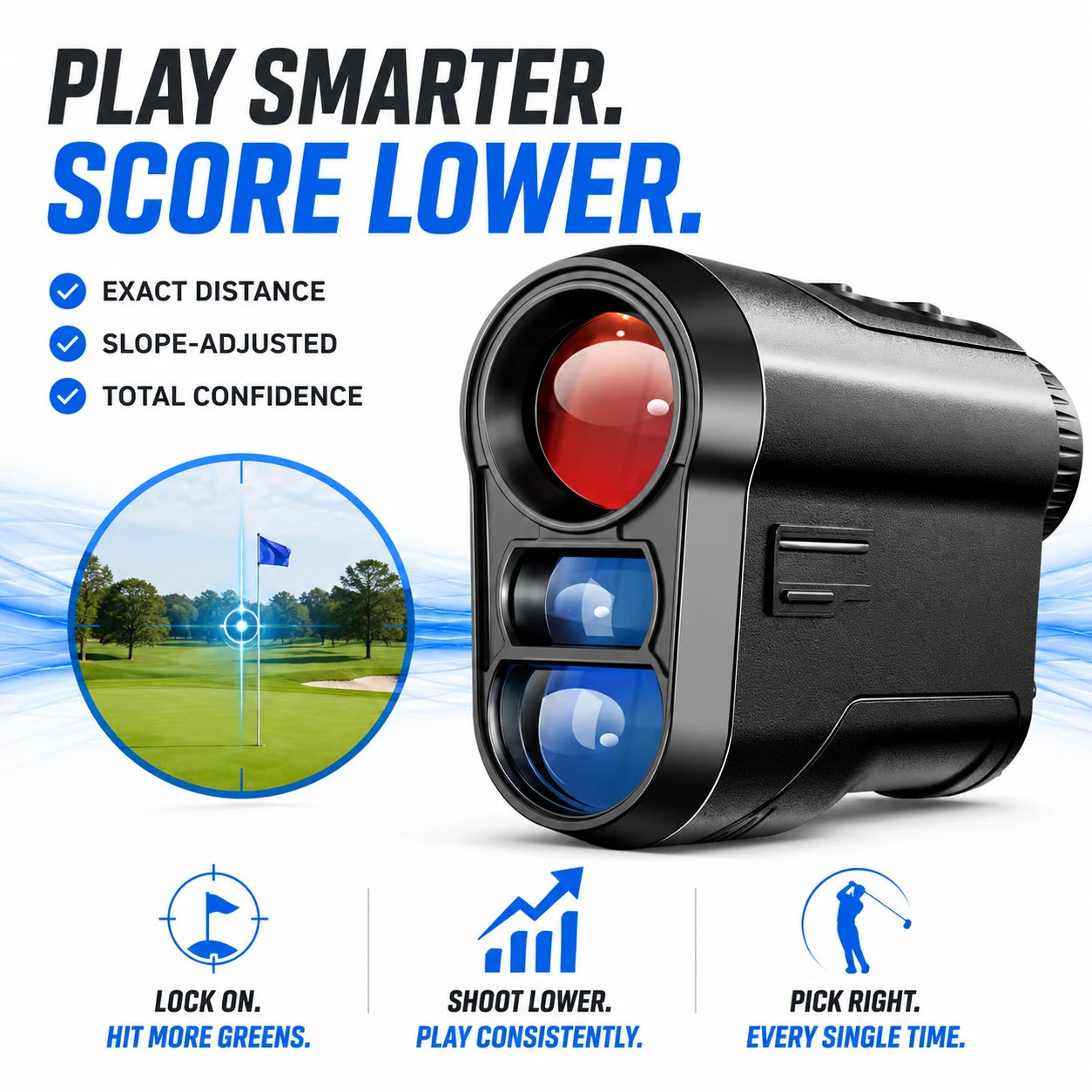
The ShotForge Golf Rangefinder is a handheld unit with a single button and a backlit LCD display. It has three modes: standard, slope-adjusted and continuous scan. Aim through the lens, press the button, and when the flag is captured the unit gives one vibration, so you can confirm the lock by feel and then read the display.
It is USB-rechargeable, and a built-in magnet lets you attach it to a cart rail or club shaft so it stays within reach between shots. The box includes the rangefinder, a carrying case, a USB charging cable and a quick-start user guide.
 In this guideShotForge$169.99View
Setup and on-course checklist
- Charge the unit from a USB power source before the round, and pack the cable with the case.
- Choose the mode that matches the day: standard for competition, slope-adjusted only for casual play.
- If your device offers a yards or meters setting, check it before the first tee.
- Stand steady. Tuck your elbows in or rest against a cart or tree to reduce shake.
- Aim onto the flag itself, not the green behind it. Press the button and look for the lock cue.
- Read the number, then add your own judgment for wind, lie and firmness.
- Keep it in the case or on the magnet between shots so it stays within reach.
Field note
Before a tournament round, read the Local Rules to see whether distance devices are permitted. If they are, use standard mode or turn slope off.
Common mistakes with a rangefinder in golf
- Ranging the background. A tree behind the pin can return the wrong number. Re-aim and look for the lock cue.
- Leaving slope on in competition. This can break the rules, so check the mode before you start.
- Relying on the number alone. The display gives distance, not club choice. Wind, lie and turf still matter.
- Shaking the reading. Unsteady hands can land the laser on the wrong object. Brace and try again.
- Slowing the group. Take your reading while others are getting ready, stay out of their line, and stand still while they swing.
- Skipping the battery check. Charge it before you leave the house.
Care and storage routine
A few small habits keep a handheld unit ready to use. Follow the quick-start guide or manual for your own model.
| When | What to do |
|---|---|
| Before each round | Charge the battery and confirm the mode |
| Between shots | Keep it on the magnet or in the case, away from sand and grass clippings |
| After each round | Wipe the lens and body with a soft, dry cloth |
| Between seasons | Store it in the case in a dry spot, and recharge it before the first round back |
Do not scrape dirt off the lens with a hard edge. A soft cloth is enough, and scratches on the lens can get in the way of aiming.
Looking for more to take to the course or the yard? Browse the Court, Golf & Backyard Games collection.