Camera in Garden: How to Set Up a Trail Cam for Wildlife
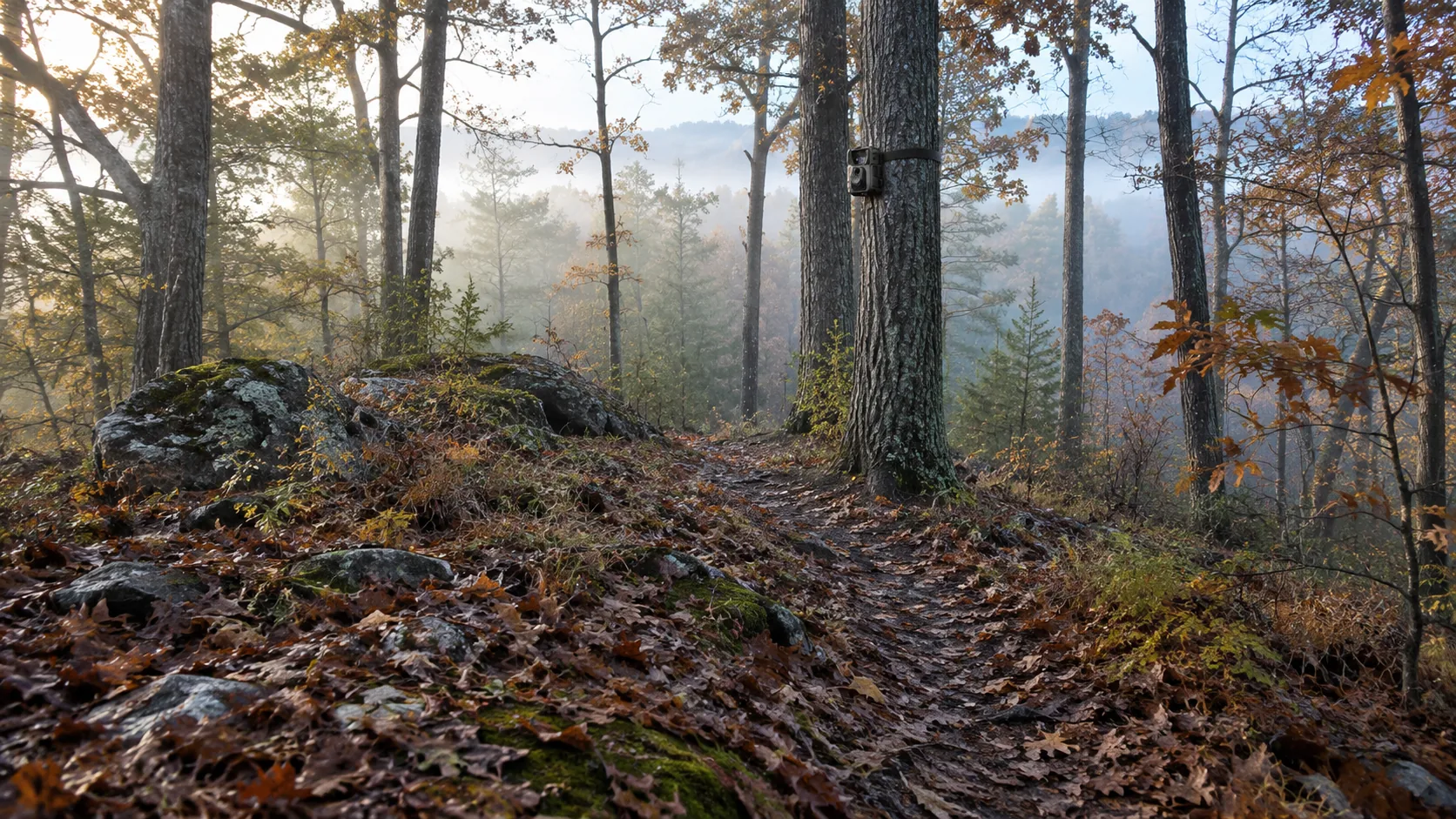
A trail camera on a post or tree, aimed along an animal path and set to a motion trigger, films backyard wildlife. This guide covers placement, settings and privacy.
The Kesslund Team
October 23, 2026 · 6 min read
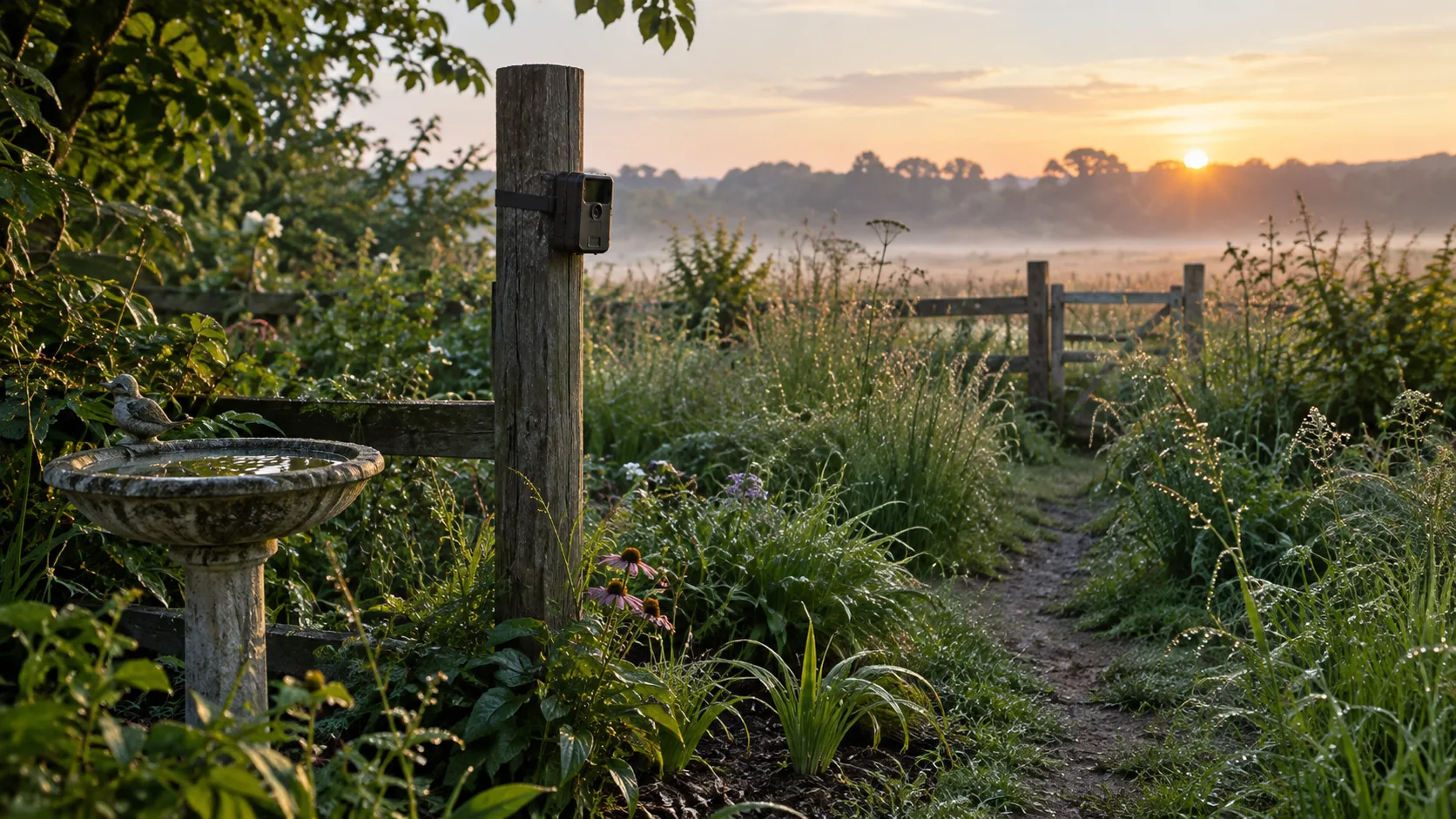
To put a camera in garden beds or along a fence line for wildlife, use a motion-triggered trail camera. Strap it to a post or tree, aim it along an animal path, set the motion sensitivity to the spot, and keep the lens pointed at your own property. The steps below cover choosing a type, placing it, setting the trigger and handling privacy.
Camera in Garden Setup: The Short Version
A wildlife camera is different from a doorbell or security camera. It sits in standby, wakes when its motion sensor detects movement, and records a photo or video. That makes it a good fit for a hedge, a compost corner or a water dish where animals pass at odd hours. Start by finding the animal path in your yard.
- Walk the yard and find where animals travel: gaps in the fence, worn paths, feeders, water.
- Choose how you want the files delivered: WiFi sync at home or cellular alerts.
- Mount the camera on a solid post or trunk, aimed along the path rather than straight at it.
- Set the motion sensitivity, then walk through the frame to check it.
- Check privacy: no neighbor windows, no shared spaces in view.
- Look over the files, adjust, and repeat.
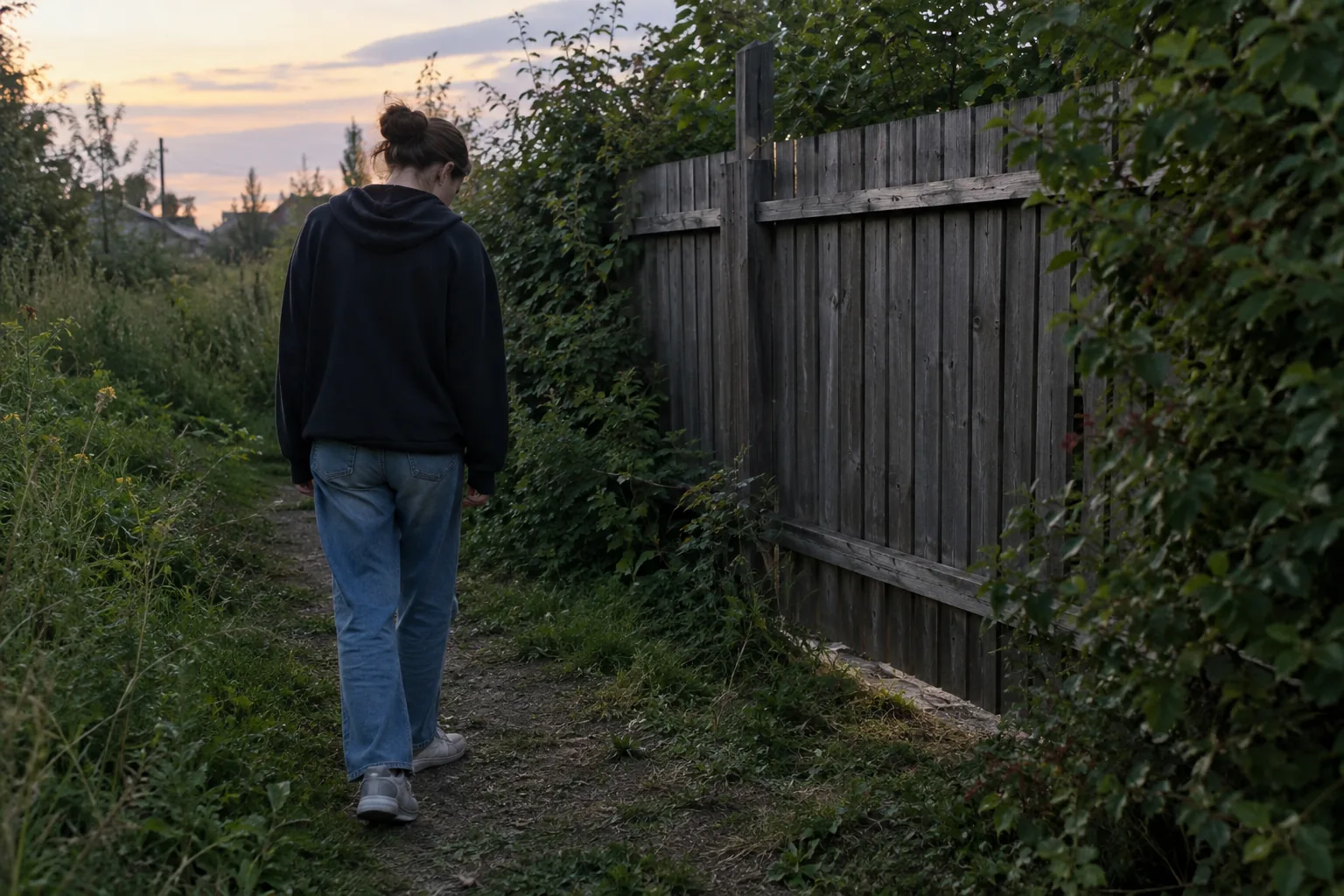
Choose the Right Camera Type for a Garden
A camera in garden settings falls into one of three groups. The right one depends on how far the camera sits from your house and how you want to see the footage.
| Type | How you see footage | Fits when |
|---|---|---|
| WiFi trail camera | Syncs to a phone app over WiFi, no cellular plan | The camera is within WiFi range of the house |
| Cellular trail camera | Photos, video and alerts reach your phone wherever the SIM card has signal | The camera is at the back of a large lot or at a cabin |
| Plug-in security camera | Live feed and recordings through its own system | You want to watch a door, shed or driveway |
For wildlife, a trail camera is built around the motion trigger and night images. A plug-in security camera is built around watching entry points, so it suits a different job.
WiFi option for a yard near the house
ScoutEye is a hunting trail camera with a 20MP sensor and adjustable motion sensitivity. It connects to your phone over WiFi and syncs photos and videos to the app, with no cellular plan. The housing is weather-sealed, and the box includes an adjustable mounting strap, a USB charging and data cable and a quick start guide.
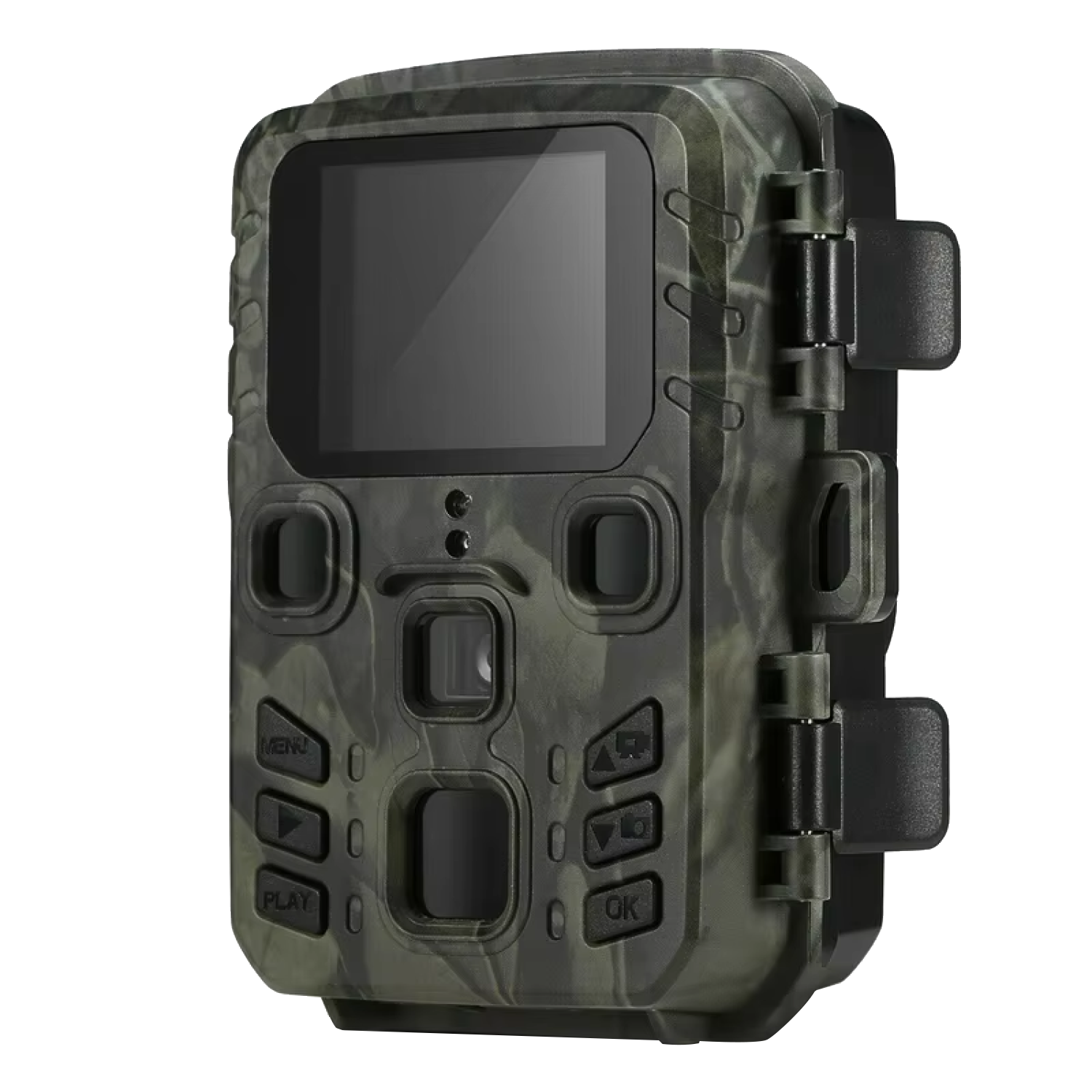 In this guideScoutEye$129.99View
Cellular option for a deep or distant lot
If the spot is beyond WiFi range, ScoutRidge is a wireless cellular trail camera with a 30MP sensor and 40 infrared LEDs for night images. You pair it with the app, adjust motion sensitivity there, and receive push notifications, photos and video wherever your SIM card has cellular signal. It records 4K photos and video and offers live view in the app.
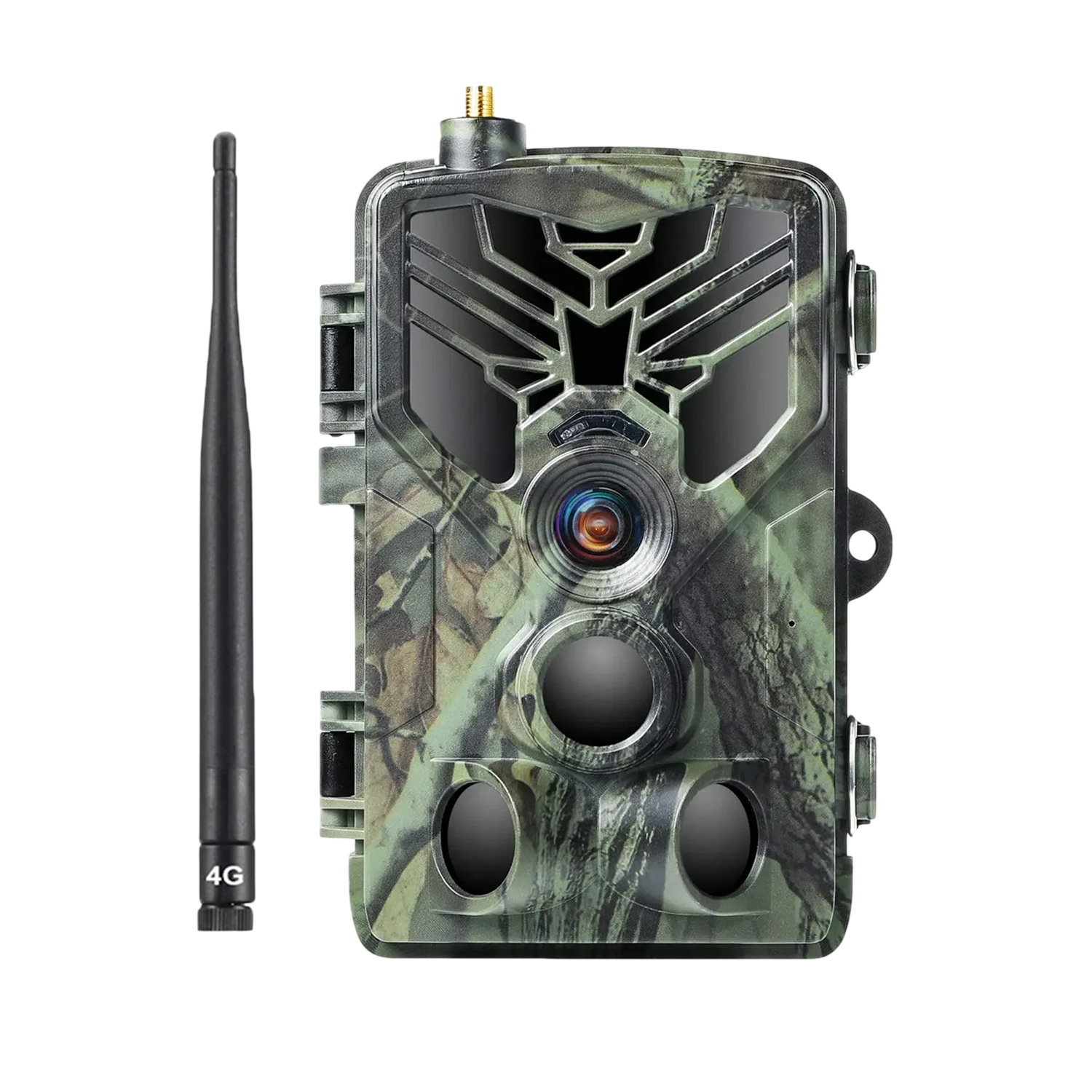 In this guideScoutRidge$259.99View
Browse the full trail cameras and rangefinders collection if you want to compare more options. For a deeper look at mounting and settings, see our guide to choosing and placing a game camera.
Placement Checklist: Where to Aim the Camera
Placement decides whether your camera in garden corners records animals or a folder of empty frames. Start with the animal, not the gadget.
- Pick a spot with a clear path, feeder, bird bath or water dish.
- Mount on a post or trunk that does not sway in wind.
- Set the height to suit the animal: lower for rabbits, opossums and raccoons, around chest height for deer and larger visitors.
- Angle the camera across the path, not straight down it, so animals stay in frame longer.
- Leave a few feet between the lens and where the animal will stand.
- Face the lens north or south when you can, so sunrise and sunset do not point into it.
- Clear tall grass and branches in front of the lens.
Moving grass and branches can set off false triggers. Trim them before you mount, or choose a different post.
Mounting steps
- Wrap the adjustable mounting strap around the post or trunk and tighten it.
- Tilt the camera slightly down or up with a small wedge of bark or a folded cloth if the post is not level.
- Take a test shot or walk through the frame, check the synced file on your phone, adjust, and tighten again.
- Turn the camera on and confirm it is recording before you leave.
Field note
Walk through the frame at the distance an animal would stand, then open the app and check that the shot caught you. This test shows the real field of view, which can differ from what you expect.
Trigger and Sensitivity Settings
Both cameras above let you adjust motion sensitivity to the spot. Think of it as a setting you tune, not a number you set once.
| Situation | Adjustment to try |
|---|---|
| Lots of empty frames from wind or leaves | Lower the sensitivity or move the camera away from moving plants |
| Small animals missing from files | Raise the sensitivity and lower the mounting height |
| Heavy foot traffic from people or pets | Re-aim toward the animal path and away from the lawn or patio |
| Night footage looks dark | Move the camera closer to the subject area and clear anything in front of the lens |
Change one setting at a time, then look over the next batch of files. If you change three things at once, you cannot tell which one made the difference.
Night images
Some garden visitors are active after dark. A camera meant for day and night use records at night, and a model with infrared LEDs like ScoutRidge is made for night images. Keep the lens clean and clear of cobwebs, since insects and webs near the lens can set off the trigger.
Privacy and Rules for a Camera in Garden Spaces
Can you put a security camera in your garden? On your own property, check your local rules first, then think about where the lens points. Aim at your own plants, paths and fence line, and keep a neighbor's windows, yard or a shared space out of the frame.
- Frame out neighbor windows, patios and gardens.
- Tell household members and visitors that a camera is running.
- If you rent, ask your landlord. If you have a homeowners association, check its rules.
- Rules on cameras and on audio recording differ by state and city. Check your local rules or ask a local attorney.
Some states have rules on trail camera use, mostly tied to hunting, and they change. Look up your state's current wildlife rules before you buy or mount one.
Also think about what the camera stores. Files on a phone app or card can include people, so delete footage of passersby and do not share it publicly.
Common Mistakes to Avoid
- Pointing at the sun, which washes out the frame at dawn and dusk.
- Mounting on a thin branch that moves in wind.
- Leaving long grass in front of the lens.
- Placing the camera too close, so animals appear as a blur at the edge.
- Skipping a walk test.
- Forgetting to charge before leaving it out. Both cameras here come with a USB charging cable.
Care Schedule
| When | Task |
|---|---|
| Each visit | Wipe the lens, clear plants, check the strap is tight |
| After storms | Check the aim and that the housing is still closed |
| When the file count grows | Go through the files, delete empties, and adjust sensitivity |
| Before a long gap | Top up the charge through the USB cable at home |
| Season change | Re-check the field of view as plants grow or lose leaves |
Follow the manual for charging and handling, and unplug the cable once the camera is charged. If you also like to watch animals after dark by eye, our night vision monocular guide covers a companion tool.