Trail Camera Hunting: How to Choose and Place a Game Camera
Pick the connection type that matches how often you can reach the site, then mount, aim and set sensitivity with a checklist. This guide compares standard, WiFi and cellular cameras.
Wes Tanner
October 13, 2026 · 8 min read · Updated October 14, 2026
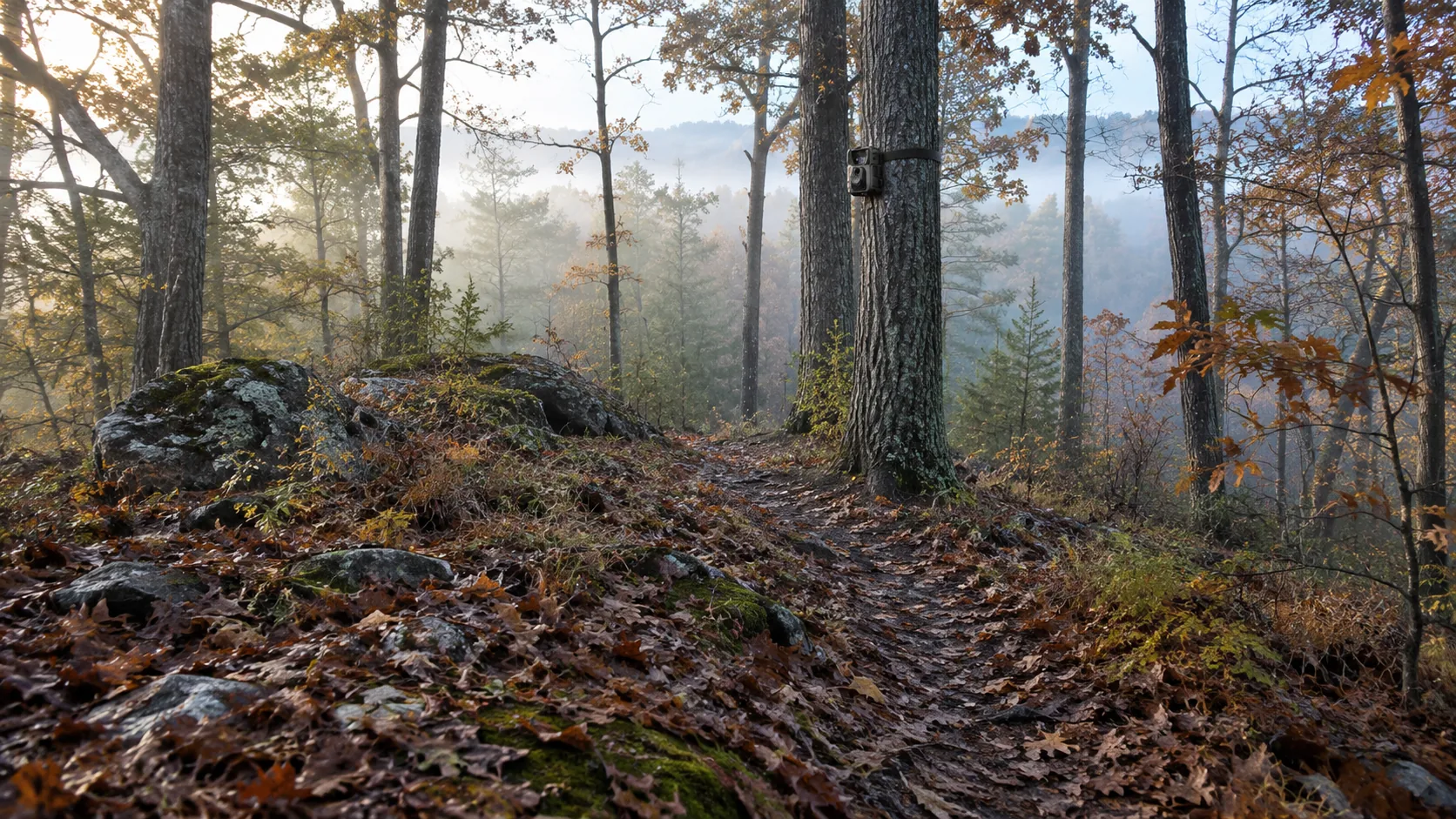
Trail camera hunting starts with one decision: how do you want the photos to reach you? A standard camera stores images on a card you collect by hand, a WiFi camera syncs to your phone through an app, and a cellular trail camera sends photos and alerts over a mobile network, usually with a data plan attached.
Pick the type that fits how often you can reach the site, then put your effort into placement. A well-aimed camera of any type gives you more to look at than one pointed at empty brush.
Standard, WiFi and cellular cameras compared
Trail cams differ in how images travel and what it costs to keep them running. This table lays out the trade-offs.
| Type | How photos reach you | Ongoing cost | Suits |
|---|---|---|---|
| Standard (card only) | You pull the memory card and view it on a screen or computer | Batteries and cards only | Ground you walk often, or land where transmitting cameras are restricted |
| WiFi to phone | Photos and video sync to an app over a WiFi connection | No cellular plan | Properties you visit in person and want to look through on a phone at the site |
| Cellular (cell cam) | Photos, video and motion alerts arrive on your phone over a mobile network | A SIM card with a data plan, billed by the carrier or service | Remote plots, far-off cabins, leases you cannot visit every week |
What about subscription costs?
Cellular cameras need a SIM card and a cellular data plan, so the monthly bill is part of the real cost of ownership. Plan terms, photo limits and coverage differ by carrier, so read them before you buy and add the plan to the price of the camera.
If you want to avoid a subscription, choose a standard or WiFi camera. Both skip the cellular plan entirely. A wireless trail camera is not automatically a cellular one, so check whether “wireless” means a WiFi link at the site or a mobile network link from anywhere.
How to choose a good trail camera
A good trail camera is the one that suits your access, your terrain and your routine. Work through these steps in order.
- Count your visits: if you will be at the site regularly anyway, a card-only or WiFi camera covers you. If a visit means a long drive or disturbing the area, a cellular camera may be worth its plan.
- Check signal at the site: a cellular camera only reports where its SIM card has coverage. Look at your phone at the exact tree before you commit.
- Check the sensor and night imaging: look at the sensor resolution and whether the camera has infrared LEDs for night images. Make sure it records both stills and video.
- Make sure sensitivity is adjustable: different spots need different settings, and you want to change them in the field.
- Check the housing: look for a sealed housing meant for outdoor mounting and an adjustable strap you can cinch around a trunk or post.
- Plan power: know whether the camera charges over USB or takes batteries, and how you will top it up between trips.
Which trail camera gives good value?
Value depends on what you pay over the whole season, not on the sticker price alone. Add the camera, any cellular plan, and the cost of cards or batteries, then set that against how often you can reach the site.
If you walk the property every week, a card-only or WiFi camera covers your needs without a monthly bill. If each visit means a long drive, a cellular camera and its plan may be the better fit, because the photos come to you.
Specs that matter in the field
Spec sheets are long. For trail camera hunting, these are the lines worth reading closely, and what each one means for your spot.
| Spec | What it tells you | What to check |
|---|---|---|
| Trigger speed | How quickly the camera starts to capture after the sensor detects motion | Matters most on narrow trails where animals pass the frame quickly |
| Detection range | How far away the motion sensor can pick up movement | Match it to the distance between the camera and the trail or plot |
| Flash type and flash range | How the camera lights night images and how far that light reaches | Look for infrared flash, and see whether the maker calls it no-glow or low-glow |
| Photo and video | Sensor resolution, video formats and capture modes such as multi-shot or burst | Confirm stills, video and sound options if you want them |
| Battery life and power | Whether it runs on batteries, USB charging or an add-on solar panel | Read the manual for what the model supports |
| Screen and app | How you look through images: built-in screen, app or both | Pick what you will actually use at the tree |
Sharp images start with the setup
Resolution numbers only help if the subject is in range, lit and still. Mount on a solid trunk, keep the lens clean and set sensitivity for the spot, and even a modest camera gives you sharp images worth keeping. A covert, low-profile mount also helps, since a camera tucked against bark draws less attention from people and animals.
Two cameras that cover both ends
Our Trail Cameras & Rangefinders collection includes both a no-plan WiFi option and a cellular model.
ScoutEye is a hunting trail camera with a 20MP sensor and adjustable motion sensitivity. Photos and videos sync to a phone app over WiFi, and it does not use a cellular plan. The housing is weather-sealed for mounting on a tree or post, and the camera is intended for day and night use. It suits a property you visit on foot, where you want to look through images on your phone without carrying a card reader.
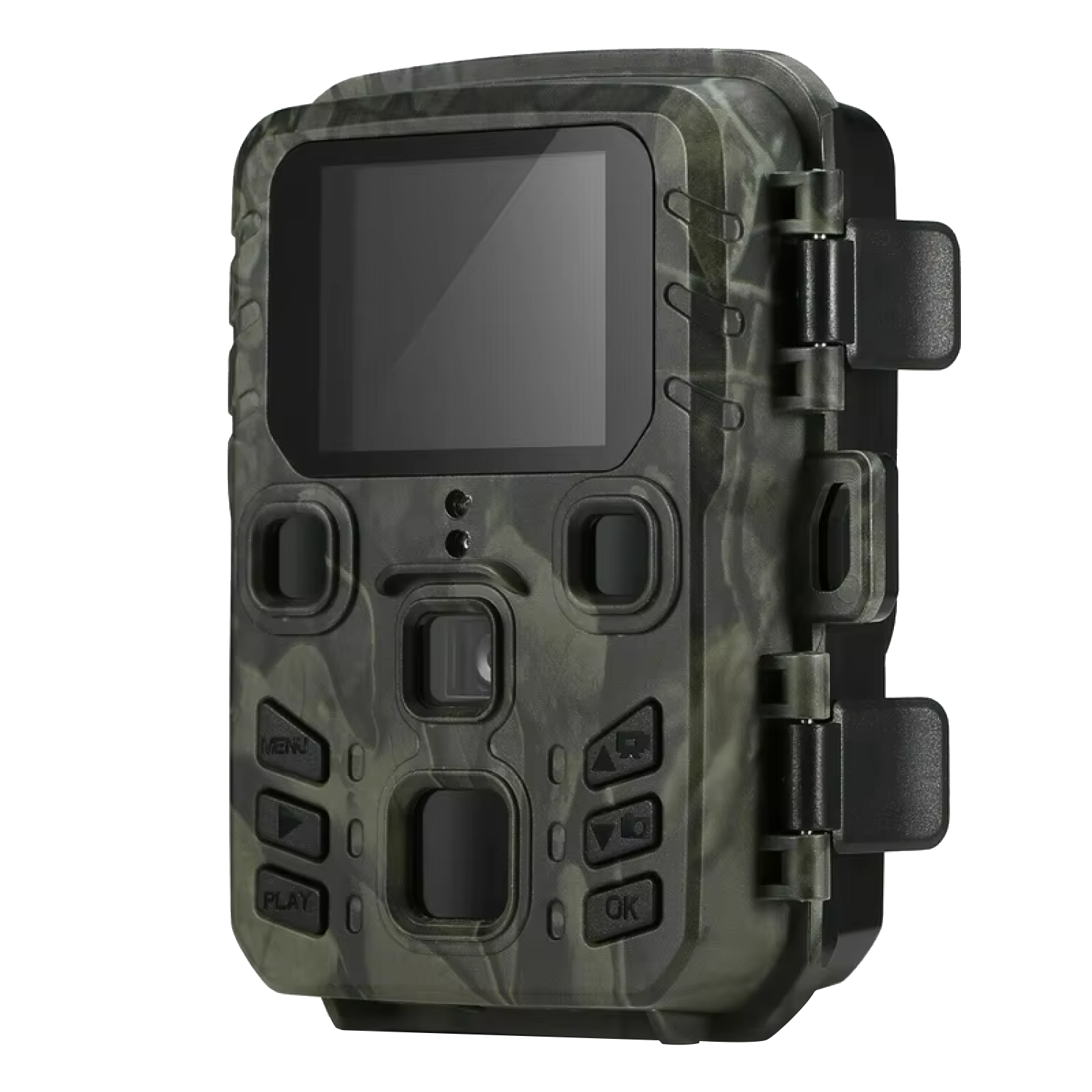 In this guideScoutEye$129.99View
ScoutRidge is the cellular choice for places you cannot check often. It has a 30MP sensor with 40 infrared LEDs for night images, records 4K photos and video, and offers live view in the app. Motion sensitivity is set from the app, and the camera sends push notifications when it detects movement. It reports wherever your SIM card has cellular signal, so the plan is a separate cost.
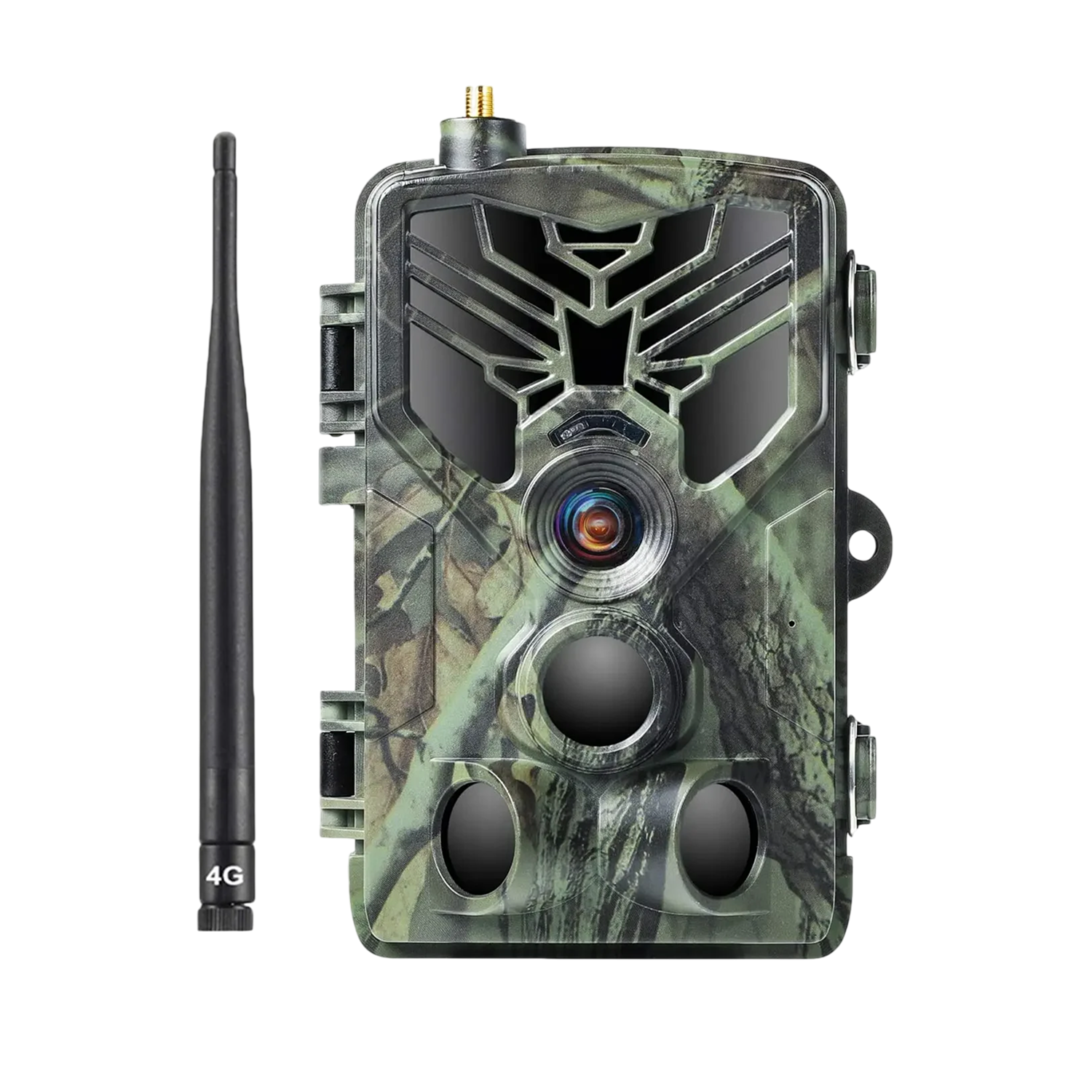 In this guideScoutRidge$199.99View
Can you watch a trail camera live on your phone?
Some models can. ScoutRidge offers live view in its app. A WiFi camera like ScoutEye syncs photos and videos to the app for browsing, which is different from a continuous feed. Standard card-only cameras have no phone link at all.
Check the product details for the feature you want before assuming live view exists, since many cameras only send stills.
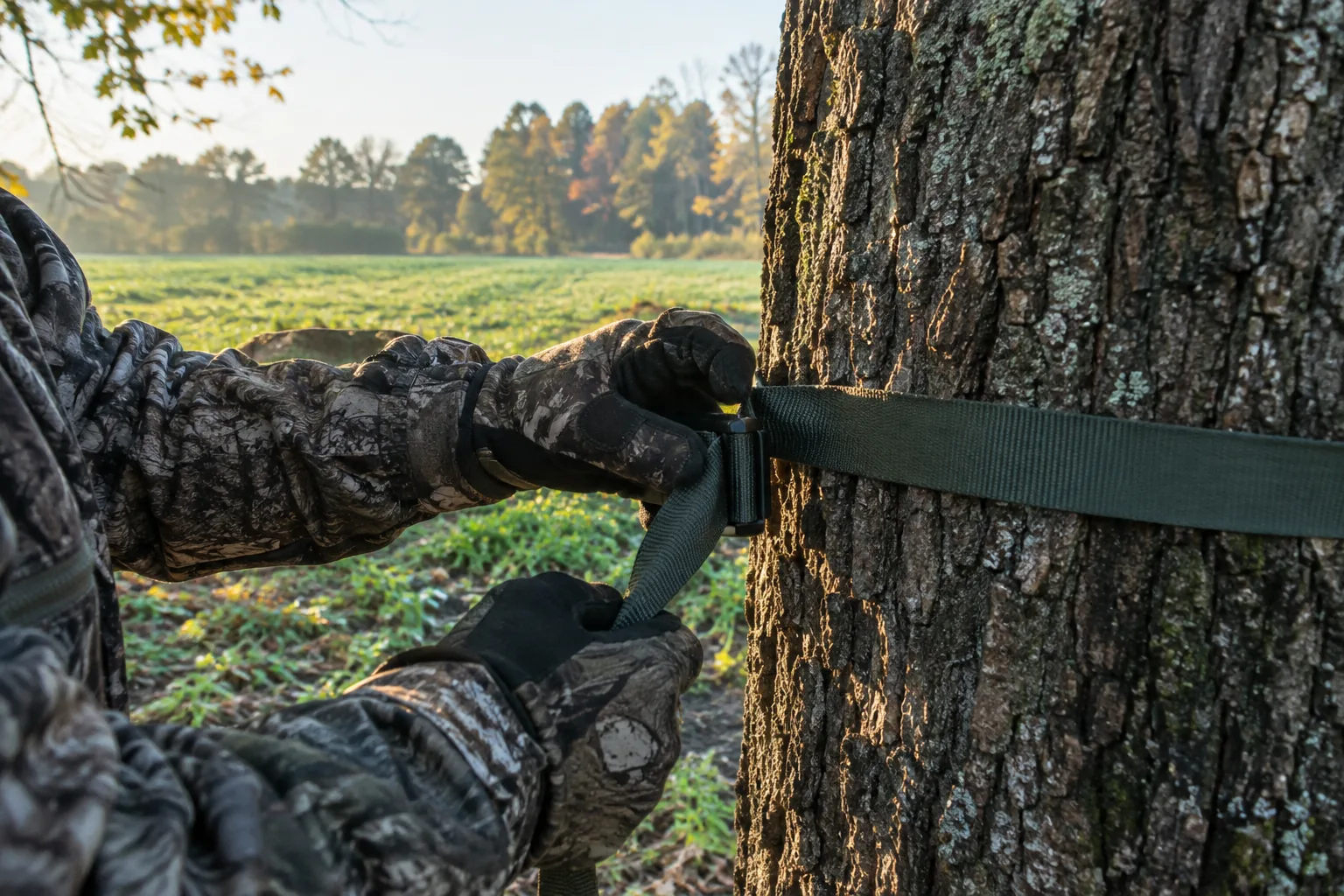
Trail camera hunting placement: where to mount it
Animals leave evidence of where they travel and feed. Put the camera where that evidence is thickest. State wildlife agencies publish practical placement guidance for trail cameras, so check your own agency's website before the season.
Good spots
- Trail intersections and pinch points: places where movement funnels through a narrow gap.
- Rubs and scrape lines: places bucks return to again and again during the season.
- Food plot edges: aim along the edge instead of across the whole field.
- Water sources and creek crossings: particularly useful in dry stretches. Check your state's rules first, since some restrict cameras near water on public land.
- Property edges: they show what is crossing from neighboring land.
Spots to skip
- Open fields where the sensor sees weeds waving instead of animals.
- Trails aimed straight into the rising or setting sun, which washes out images.
- Branches and tall grass directly in front of the lens, which trigger false captures.
Setup checklist, step by step
- Scout first: look for tracks, droppings, beds and worn paths before you pick a tree.
- Choose a solid trunk or post: a thick tree moves less in wind than a sapling, and movement causes blurry shots and false triggers.
- Set height to the animal: roughly chest height suits deer. Tilt the camera down slightly if you mount it high.
- Aim along the trail, not across it: an animal walking toward or away from the camera stays in view longer than one crossing the frame in a flash.
- Face north or south when you can: this keeps the sun out of the lens at sunrise and sunset.
- Clear the view: trim limbs and weeds in front of the lens, within local rules and with landowner permission.
- Set sensitivity: start in the middle and raise it for a wide-open spot or lower it where brush moves a lot. Adjust after you see the first batch of photos.
- Do a walk-by check: walk past the camera at the distance where you expect animals and confirm it captures you.
- Confirm the connection: pair the app, or for a standard camera insert a formatted card, before you leave.
- Charge before you go: top up over the USB cable at home so the camera starts with a full charge.
Field note
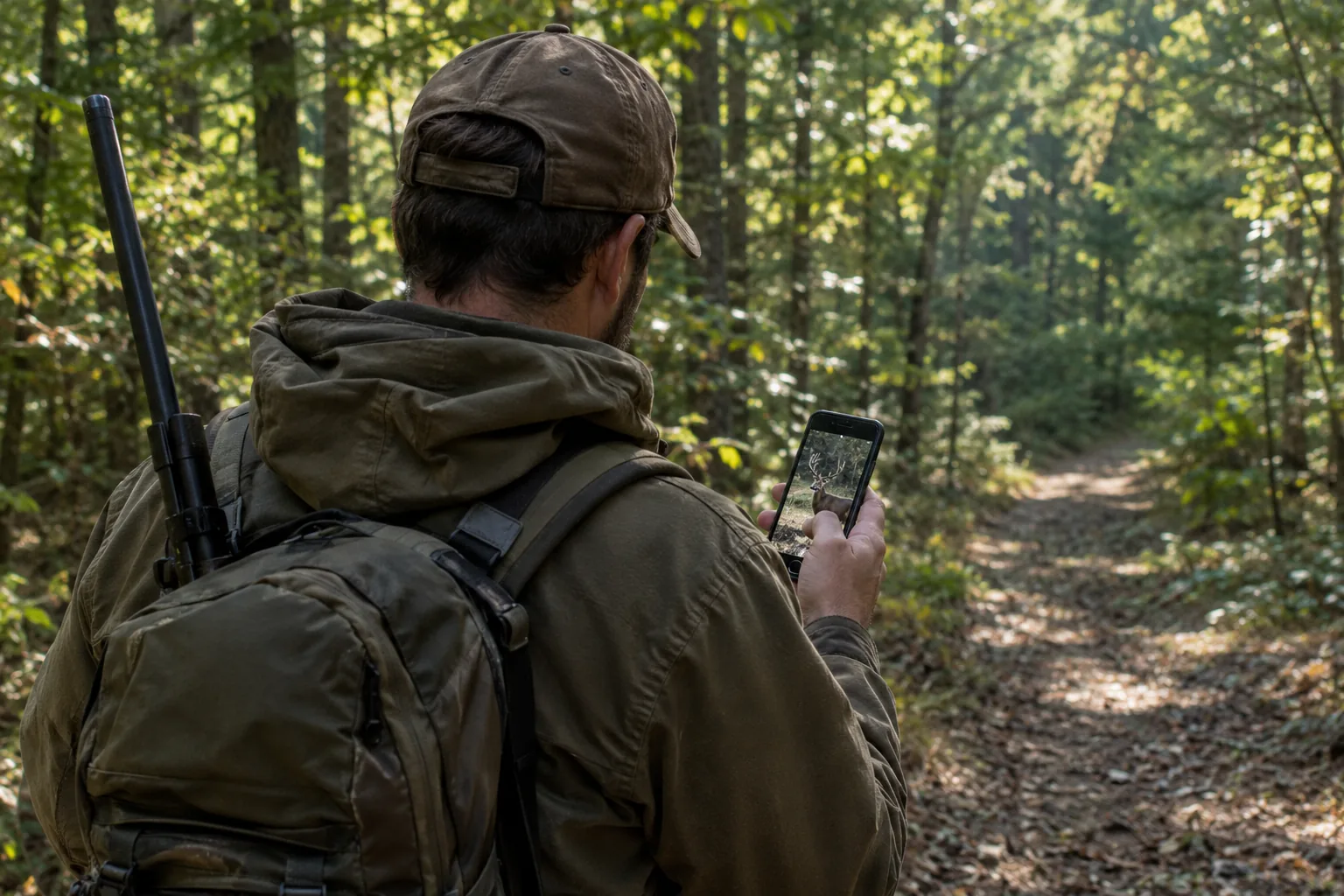
Take a photo of your first walk-by and note the camera's location. When you run several cameras, you will know exactly which tree each one covers and where it points.
Common mistakes, care and local rules
Mistakes to avoid
- Checking too often: frequent visits leave scent and pressure on the area. This is one reason some hunters choose cellular cameras.
- Leaving sensitivity untouched: if the card fills with empty frames, the setting or the aim is the problem.
- Skipping the signal check: a cellular camera in a dead zone cannot send anything.
- Mounting on a loose tree: a swaying trunk makes blur and false triggers.
- Ignoring local rules: laws differ by state and by land type.
Why some states restrict cameras
Some states restrict trail cameras on public land or during parts of the season. Some rules cover all cameras, and others cover only those that transmit images. Wildlife agencies in states such as Utah and Idaho publish their own camera rules, and they vary widely. The concerns tend to center on fair-chase standards and on privacy and property rights.
Rules change from year to year, so read your state wildlife agency's current regulations before you set a camera. Get permission from the landowner for any property that is not yours.
Care routine
- Wipe the lens and housing with a soft cloth at each visit.
- Check the strap and the seal for wear before the season starts.
- Charge over USB or swap batteries according to the manual.
- Clear the area in front of the sensor as plants grow.
- Look over your photos and move cameras that are not seeing traffic.
Follow the manual that comes with your camera for charging and storage, and keep the quick start guide in your pack for mounting reminders. Trail camera hunting runs smoother when straps, cables and spare cards travel together. If you are setting several cameras on one trip, a well-chosen pack keeps that kit in one place.